

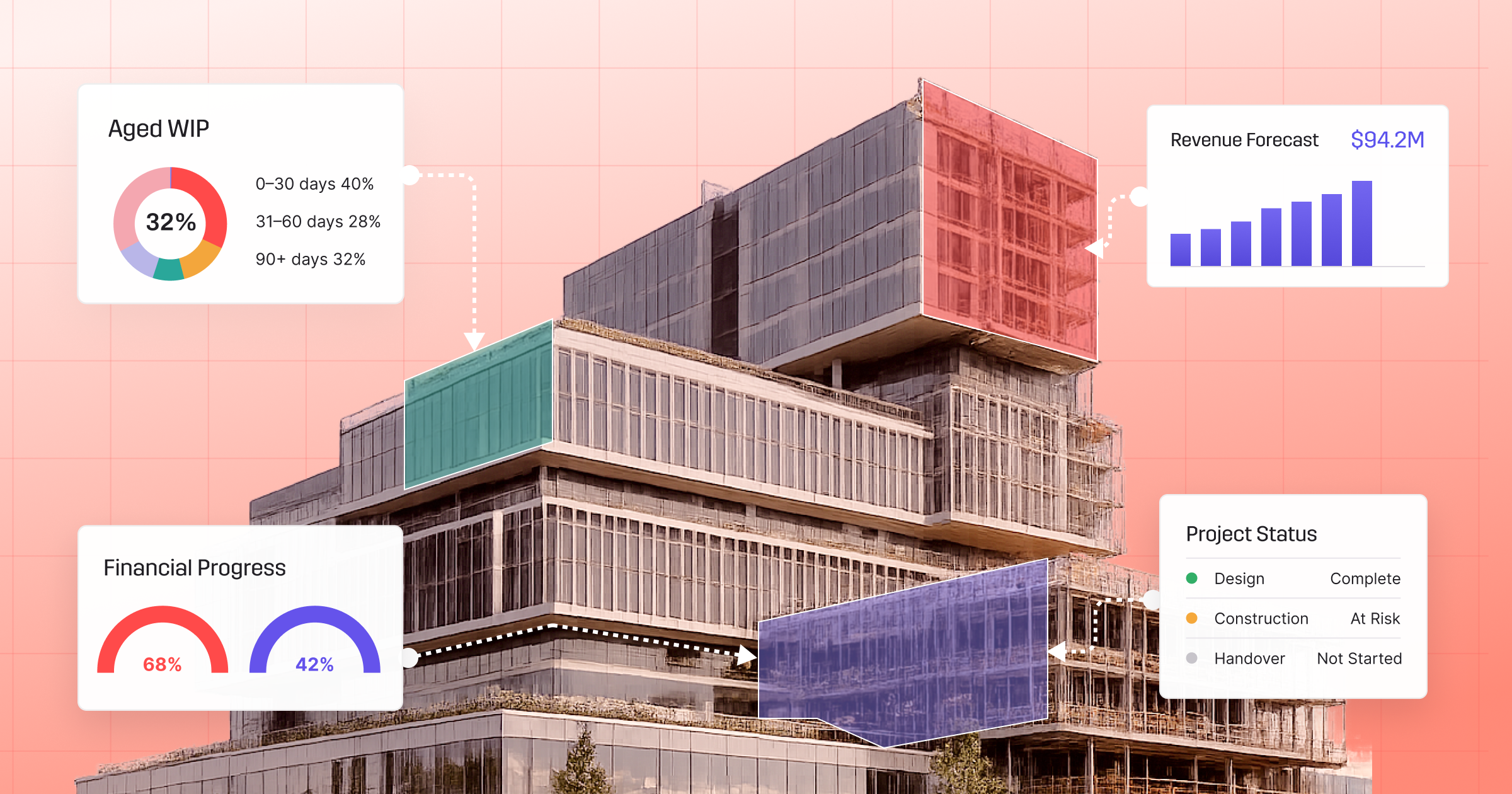
Managing project finances with general accounting software can be frustrating. While income and expenses can be tracked, it’s much harder to understand how individual projects are performing.
Without visibility into budgets, fee stages and project profitability, issues often aren’t discovered until the work is complete.
That’s why many architecture and engineering firms use project accounting software. Built specifically for project-based businesses, it connects financial data directly to your projects so you can make informed decisions throughout delivery, not just at the end.
What is Project Accounting Software?
Project accounting software is a financial management system designed around project-based work, tracking the financial performance of individual projects rather than just the overall business.
Instead of simply recording income and expenses, it organises financial information by project, phase and task. This gives A&E firms a clear view of budgets, costs, invoicing and profitability throughout the project lifecycle.
Instead of waiting until project completion to understand financial performance, project managers and principals can see where projects stand in real time and respond before small issues become costly problems.
Project Accounting Software vs. General Accounting Software
General accounting software focuses on business finances, managing transactions, tax, payroll and bank reconciliation, giving you an accurate picture of your firm’s overall financial position.
Project accounting software goes a step further by connecting those financials directly to project delivery. It links timesheets, project budgets, invoicing and costs into one system, allowing firms to see whether each project is on budget, profitable and progressing as expected.
The difference isn’t just functional. It’s strategic. Firms that use project-level accounting data make better decisions about resourcing, scope management, and fee structures. That’s what purpose-built project management makes possible.
Why Architecture and Engineering Firms Need Project-Based Accounting
A&E firms operate differently from product businesses or professional services firms in other industries. Every architecture and engineering project is different; each with its own fee structure, project stages, consultants, budgets and billing schedule.
Traditional accounting software doesn’t reflect that complexity. It can tell you the firm collected $2 million in revenue last quarter, but it can’t tell you which projects drove that revenue, which are still sitting as unbilled WIP, and which have quietly gone over budget.
Project accounting software helps identify these issues early, giving firms the opportunity to respond before project profitability is impacted.
Core Features of Project Accounting Software for A&E Firms
The best project accounting software brings together financial management and project delivery in one place, with a number of capabilities being vital.
Phase-Level Budgeting and Quoting
Projects in A&E are usually delivered in stages, with separate budgets for concept design, documentation, construction and other project phases. Project accounting software should allow firms to set budgets at the phase level, track spend against those budgets, and identify when a stage is over-running before it’s complete.
Time Tracking Linked to Project Financials
Every timesheet should automatically update project costs, WIP and budget performance. With integrated time tracking, project managers always know how much effort has gone into each phase and how much budget remains.
WIP Tracking and Invoicing
The gap between work delivered and work billed is where margin is lost. Good project accounting software tracks work in progress (WIP) continuously and connects it to invoicing workflows so nothing falls through the cracks.
Subconsultant Management
Most A&E projects involve external consultants. Project accounting software should allow firms to track consultant purchase orders, reconcile invoices against expected costs, and include subconsultant costs in project profitability calculations.
Financial Dashboards and Reporting
Real-time reporting gives leaders visibility across the entire business. The best platforms offer pre-built dashboards and analytics that show pipeline, WIP, invoiced revenue, and profitability across all active projects without needing to manually compile spreadsheets.
How A&E Firms Use Project Accounting Data to Protect Profitability
The value of project accounting software isn’t just in the data it collects, it’s in the decisions it enables.
Project managers can use phase-level budget tracking to identify over-runs early and have informed conversations with clients before additional work becomes a write-off.
Finance teams can use WIP reporting to time invoice runs accurately and manage cash flow forecasting without relying on project manager updates.
Principals gain visibility across every project, helping them understand which clients, project types and service offerings generate the strongest returns.
With accurate project data, firms can also produce more reliable revenue forecasts and make smarter decisions about future work, hiring and resource planning.
Manage Project Accounting with Greater Clarity Using Total Synergy
Built in Australia with support teams in Sydney and London, Total Synergy is an all-in-one platform purpose-built for A&E firms that brings project accounting into the same system as time tracking, resource management, invoicing, and reporting.
Budgets, timesheets, WIP and invoices stay connected throughout every stage of a project, giving your team a real-time view of financial performance without exporting spreadsheets or manually reconciling data. Total Synergy also integrates with Xero, MYOB, QuickBooks, and others.
To start improving your project profitability, book a demo to see how Total Synergy supports project financial management.
FAQs About Project Accounting Software
What is the best project accounting software for A&E firms?
The best solution is one built specifically for architecture and engineering practices, not adapted from a general accounting or construction management platform. Look for software that combines project budgeting, time tracking, WIP reporting, invoicing and financial reporting in one platform.
What should A&E firms look for in project accounting software?
The key capabilities to evaluate are: time and cost tracking at the project and phase level, WIP management connected to invoicing, integration with your existing accounting platform (such as Xero, MYOB, or QuickBooks), and reporting dashboards that give principals real-time visibility across the firm.
What financial reports should A&E firms be able to generate from project accounting software?
Useful reports include: project profitability by phase, WIP position by project and across the firm, aged debtors and invoice status, utilisation rates by staff member, realisation rates, and revenue forecasts based on active projects and pipeline.
What is the difference between project accounting and project financial management?
Project accounting focuses on recording and reporting financial transactions at the project level: costs, revenue, budgets, and billing. Project financial management is broader and includes using that data to make decisions, forecast future performance, and manage risk. Good project accounting software supports both.
When should A&E firms move from spreadsheets to project accounting software?
Most firms benefit from making the switch earlier than they expect. If your team spends hours updating spreadsheets, chasing project information or manually preparing invoices, or if principals can’t see live profitability across the firm, the hidden cost of spreadsheets already exceeds the cost of purpose-built software.
Can project accounting software integrate with accounting platforms like Xero, MYOB, or QuickBooks?
Yes. Total Synergy integrates with Xero, MYOB, QuickBooks Online, Sage, and Wiise. Project-level data in Synergy stays connected to your firm’s accounting ledger without manual reconciliation.